Introduction
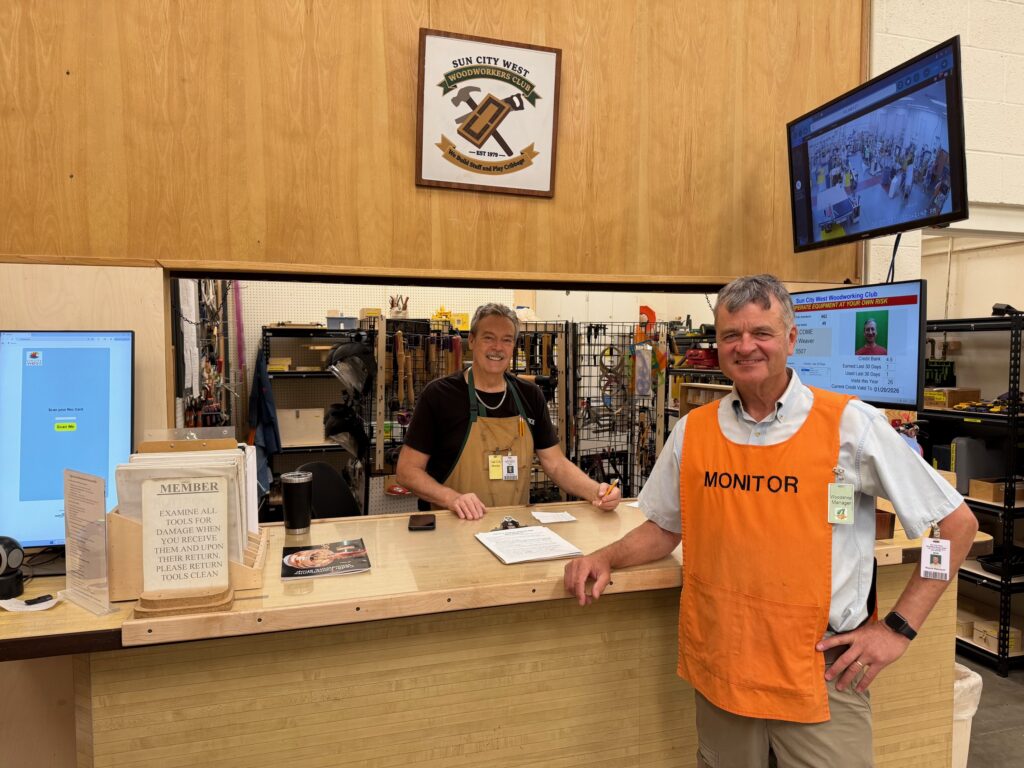
Monitoring is a vital responsibility at the Sun City West Woodworking Club. The shop cannot operate unless a monitor is on duty. There are two key monitor roles: Floor Manager and Tool Crib Monitor.
Common Responsibilities
- Both monitors are responsible for:
- Opening the shop at the beginning of the day.
- Securing the shop at closing time.
- Ensuring all duties are completed during the day.
- Ideally, there will be two monitors during the winter months when the shop is heavily used, but sometimes only one monitor may be available.
General Requirements
- All members must scan their badges before entering the shop.
- Members without badges must retrieve them before entry.
- Monitor for unauthorized shop entry.
- Respond courteously to visitor inquiries.
- Learn tool names and locations as time permits.
Emergencies & Injuries
FIRST AID STATION AND AED LOCATION
- If there is a fire, evacuate the wood shop, call 911.
- If a severe injury occurs:
- Call 911 immediately.
- Keep injured member on the floor; do not place them on a table or transport them.
- First Aid and CPR kits are located by the sinks in both shop areas.
- The AED is mounted above the water fountain outside the Tool Crib door.
- If blood is present and you are helping an injured person, put on gloves for your protection.
Shift Duties
A.M. Shift
- Raise and secure the overhead counter door.
- Open the top half of the entrance hallway half-door.
- Ensure lights are on and the Dust Collection system is operational.
P.M. Shift
- Turn off and rinse coffee pot.
- Lower and secure the overhead door.
- Close and lock the entrance hallway half-door.
- Ensure the Shop Manager has the shop keys.
- Turn off Tool Crib lights and lock the Tool Crib door.
Tool Crib Monitor Duties
Tool Checkout Chip System
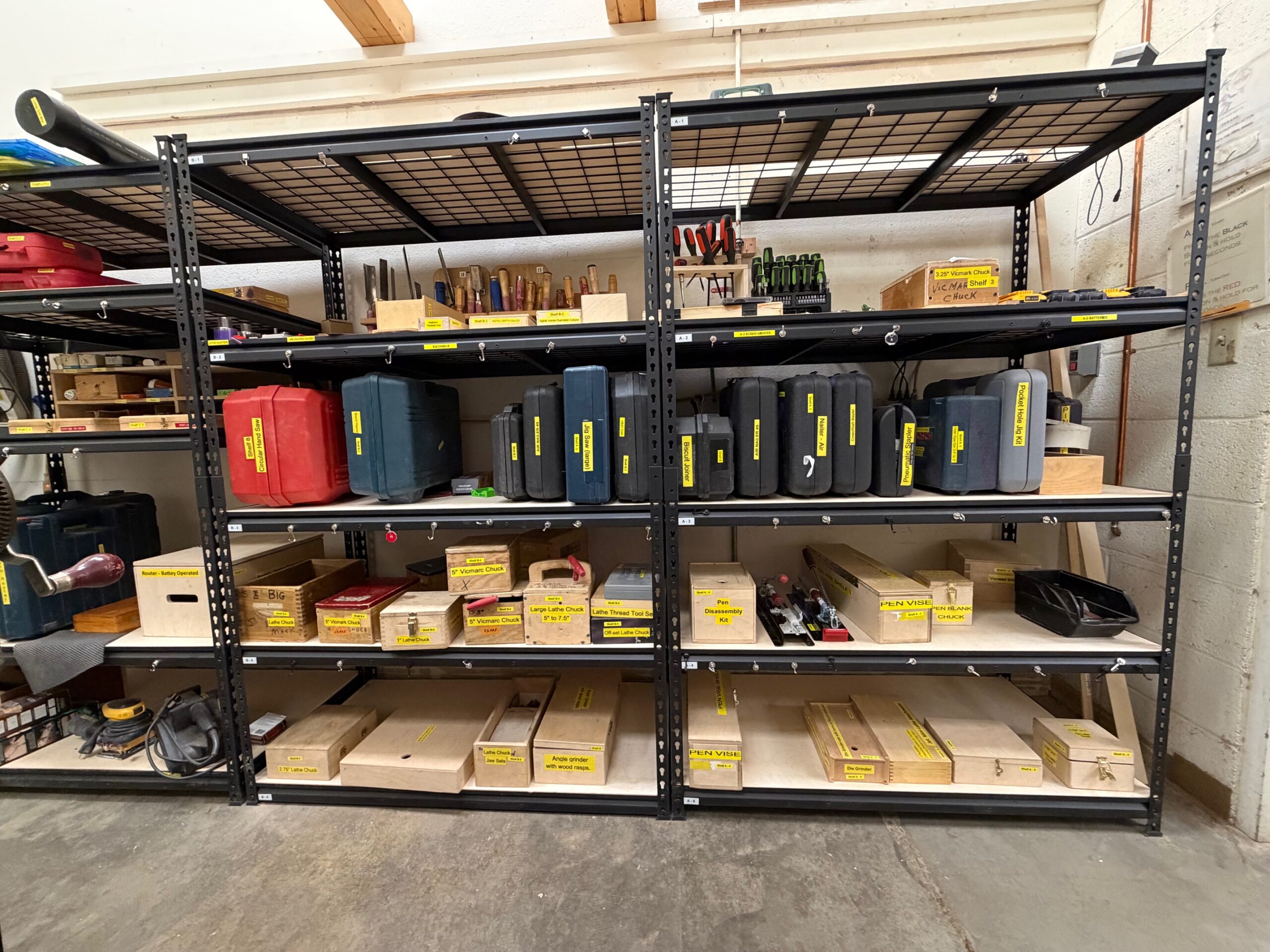
A chip and checkout system is used to keep track of tools members borrow from the tool crib. Members exchange their SCW Recreation Card for a ring of ten chips. Each tool borrowed requires a chip from the member, the Crib Monitor puts the chip in place of the tool. Members return tools and receive their chips. A full ring of ten chips may be exchanged for the member’s SCW Recreation Card.
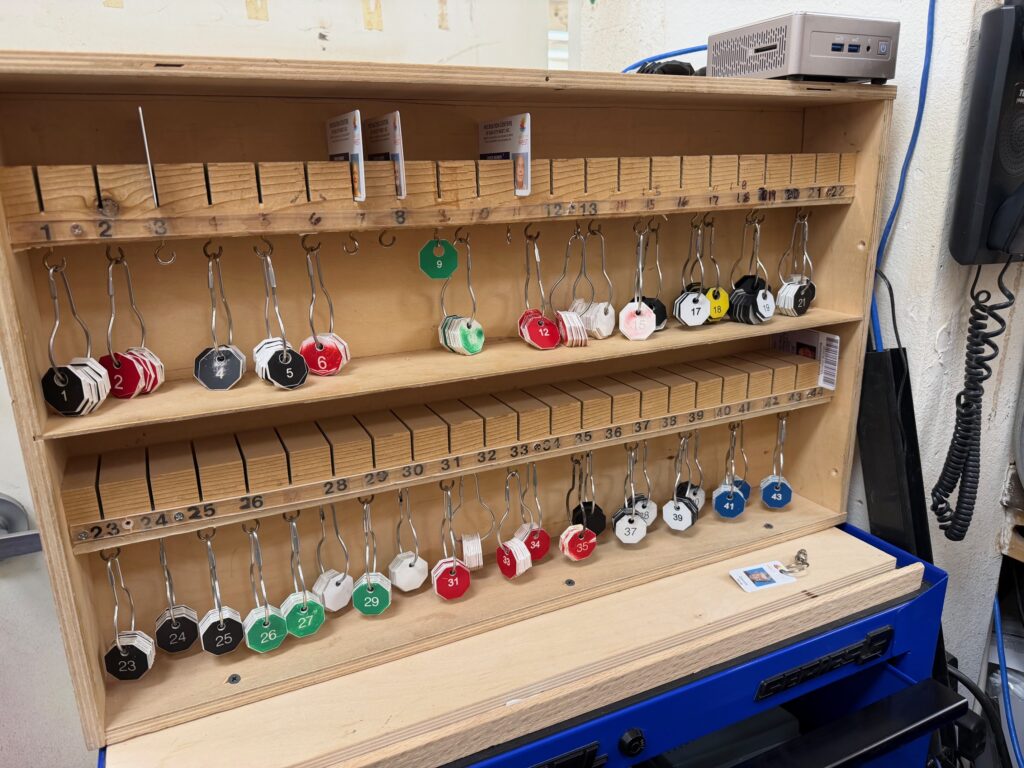
Chips and SCW Recreation Card
- Procure the member’s SCW Recreation Card
- Select a ring of ten chips, place the member’s SCW Recreation Card in the slot above the chips. If forgotten, a driver’s license may be used.
- Hand the member the ring of ten chips.
- Count chips before handing them out and when they are returned (ensure there are 10).
- Verify that the photo on the Recreation Card matches the member when it’s returned.
Tool Checkout
- Tools should be checked out at the counter.
- Leave one member chip on the hook by checked out tool.
- Do not allow unaccompanied member access to the Tool Crib.
- Accompany each member and leave one chip for every tool checked out.
- A returned tool should be put back where it came from near the member’s chip.
- Return the member’s chip once the tool is back in place.
- Several tools require member training prior to operating.
- Monitors must verify completion of operational training by scanning the members badge and checking the computer screen before key issuance for these tools.
Tool Condition & Maintenance
- Inspect router bits during check-in and check-out.
- Users must clean all tools before returning them (air nozzles are in the sanding area).
- If a dull tool is returned, attach a note and place it in the box marked “Dull and Damaged Tools.”
- For repair requests, instruct the member to fill out a form available on the Maintenance Room door.
Lost or Missing Chips
- If a chip is lost, contact the Shop Manager.
- Leave a note on the ring with the member’s name and badge number.
Overnight Tool Checkout
- Members must check out overnight tools at the front counter only (badge must be scanned for entry).
- Have the member complete a checkout form and attach their badge to it.
- Checkout time is the last 30 minutes the shop is open.
- Tools must be returned by 9:00 a.m. the next day (11:00 a.m. on Saturdays).
Badge & Scanner Problems
- Check the following:
- Is the person a member?
- Are dues paid?
- Does the badge scan correctly, or does the screen indicate they are blocked?
- If the badge doesn’t scan or is broken, contact an officer for a replacement.
Visitor Management
- For tours, announce that a tour guide is needed over the intercom (monitors are not to give tours).
- Supply visitors with a Visitor Badge and Safety Glasses, which must be returned afterward.
Telephone & Paging
- Answer the telephone promptly.
- When paging a shop member, hold the microphone about 12 inches from your mouth and speak clearly.
- Use your finger to depress the receiver lever before returning the phone to its position to avoid loud banging noises over the intercom.
Floor Monitor Duties
General Safety Guidelines
- Safety is the FIRST PRIORITY.
- All members must wear safety glasses.
- All members must wear closed toe shoes.
- Monitor for:
- Proper eye protection (safety glasses with side shields).
- Safety violations and equipment abuse.
- Unauthorized material being cut (refer to the list on the wall).
Prohibited Attire
- Members should not wear:
- Long sleeves.
- Open-toe shoes or sandals in the shop.
Responsibilities
- All members are responsible for their own safety.
- All members are responsible for cleaning up after themselves.
- If an injury occurs:
- Call 911 immediately.
- Keep injured members on the floor; do not place them on a table or transport them.
Earning Credits
Monitoring earns woodshop credits! Monitor timeslots are 2 hours long, beginning at 8:00 am ending with the 2:00pm to 4:00pm slot.
- 1 credit = Access to the woodshop for one full month
- 4 hours of service = 1 credit
- 2 hours of service = ½ credit
- A maximum of 12 credits may be stored in a member’s credit bank at one time:
- The current month
- The next month
- One additional future month
- Earned credits:
- May be used at any time
- Do not expire
Spending Credits
- First visit of the month:
- No credits are used (each member receives one complimentary shop day per month).
- Second visit of the month:
- One credit is used.
- After the second visit:
- Members may use the woodshop as often as desired for the remainder of the month, even if no credits remain.
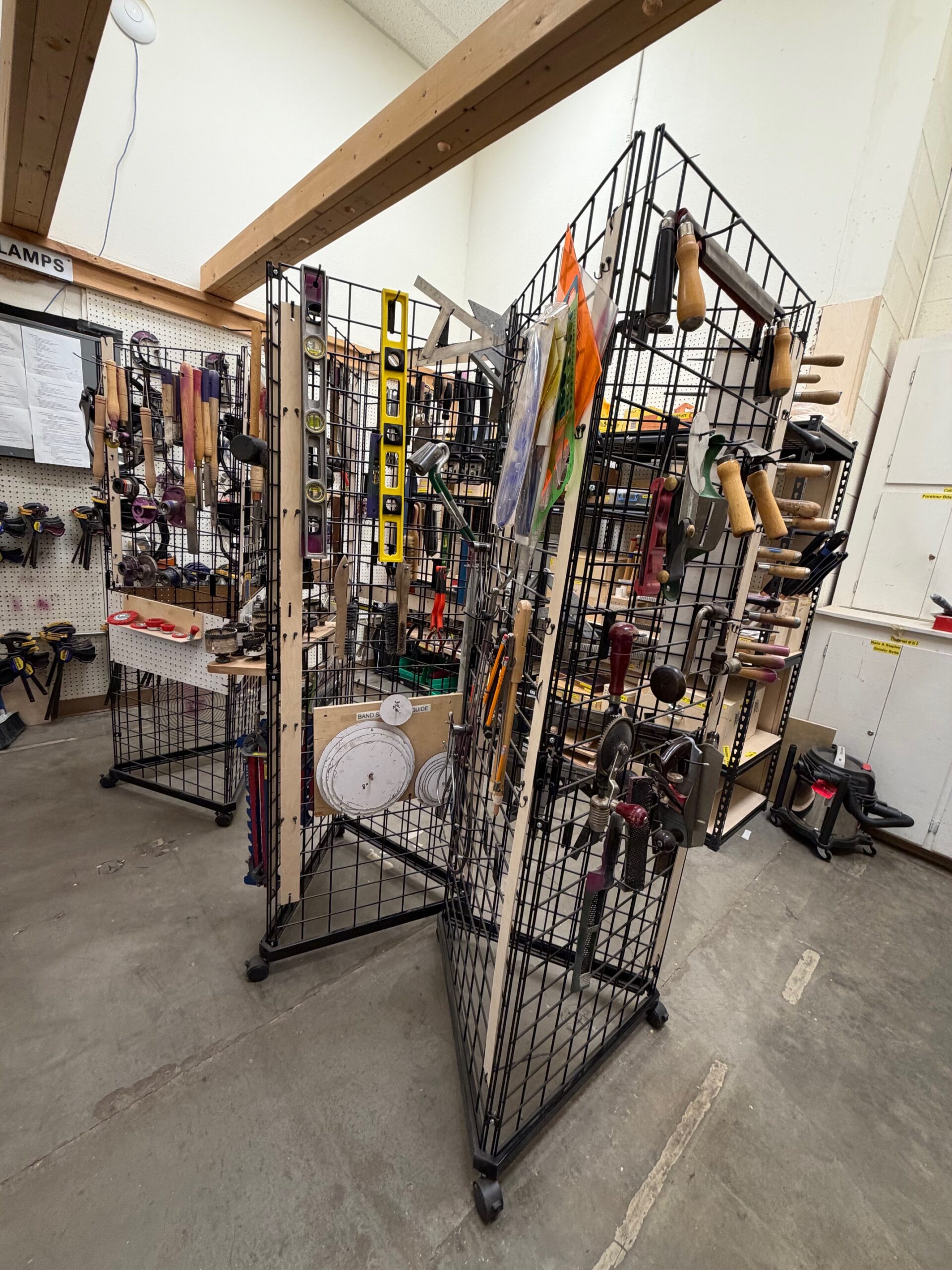
Updated Tool Crib